TABLE OF CONTENTS
Level UP CAD/CAM uses Stripe Payment Services to manage your active subscription and billing history.
Need to update your payment method or view invoices?
Follow the steps below to securely access your personalized payment portal:
Step-by-Step Instructions
1. Click the link below to begin
Tap the GET STARTED to open the Stripe portal access page.
2. Enter your registered email
Use the email address you originally provided during onboarding. This ensures the portal can locate your active subscription.
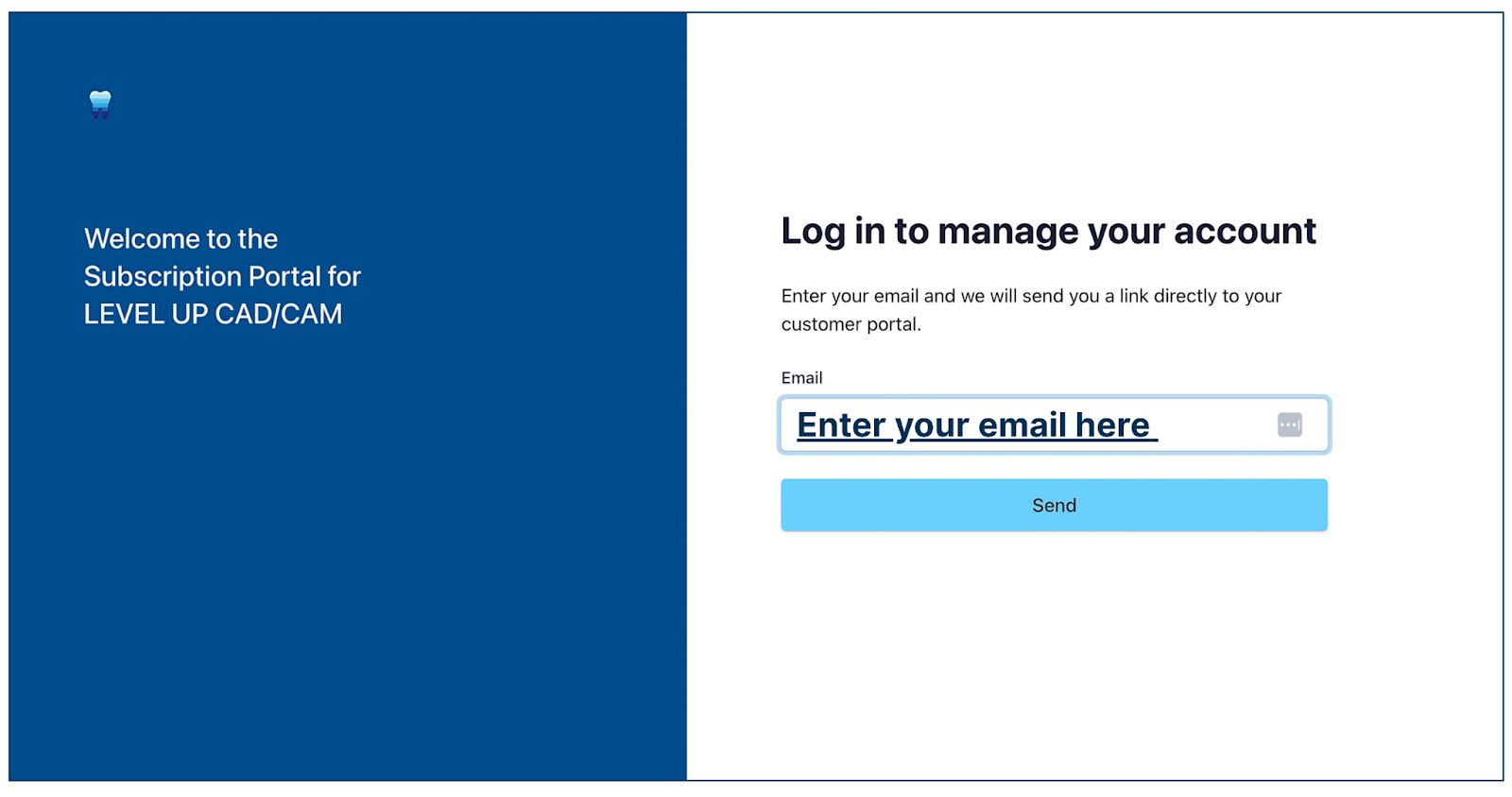
Figure 1. Customer Portal Login
3. Check your inbox
You will receive an email from Level UP CAD/CAM containing a secure log-in link. Click the link to be directed straight into your customer portal.
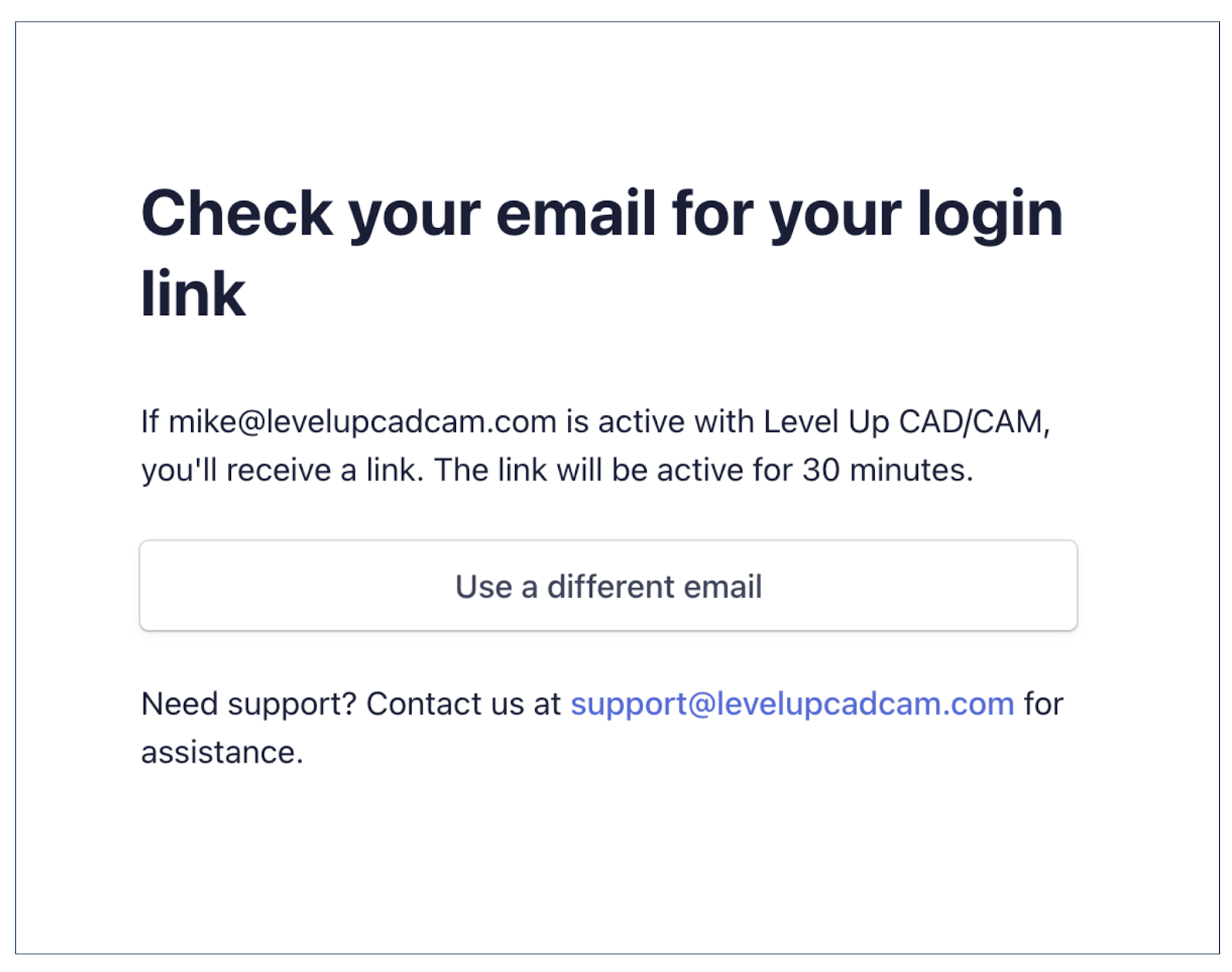
Figure 2. Email with Secure Log-In Link from Level UP CAD/CAM
From the portal, you can:
View and download past invoices
Update your payment method
Cancel or modify your subscription
Ready to access your portal?

Still Need Help?
You can submit a support ticket through our portal, see how to submit a ticket here.
Or email us directly at support@levelupcadcam.com.
Was this article helpful?
That’s Great!
Thank you for your feedback
Sorry! We couldn't be helpful
Thank you for your feedback
Feedback sent
We appreciate your effort and will try to fix the article